Desert Online General Trading LLC
Dubai, United Arab Emirates
Desert Online General Trading LLC
Dubai, United Arab Emirates
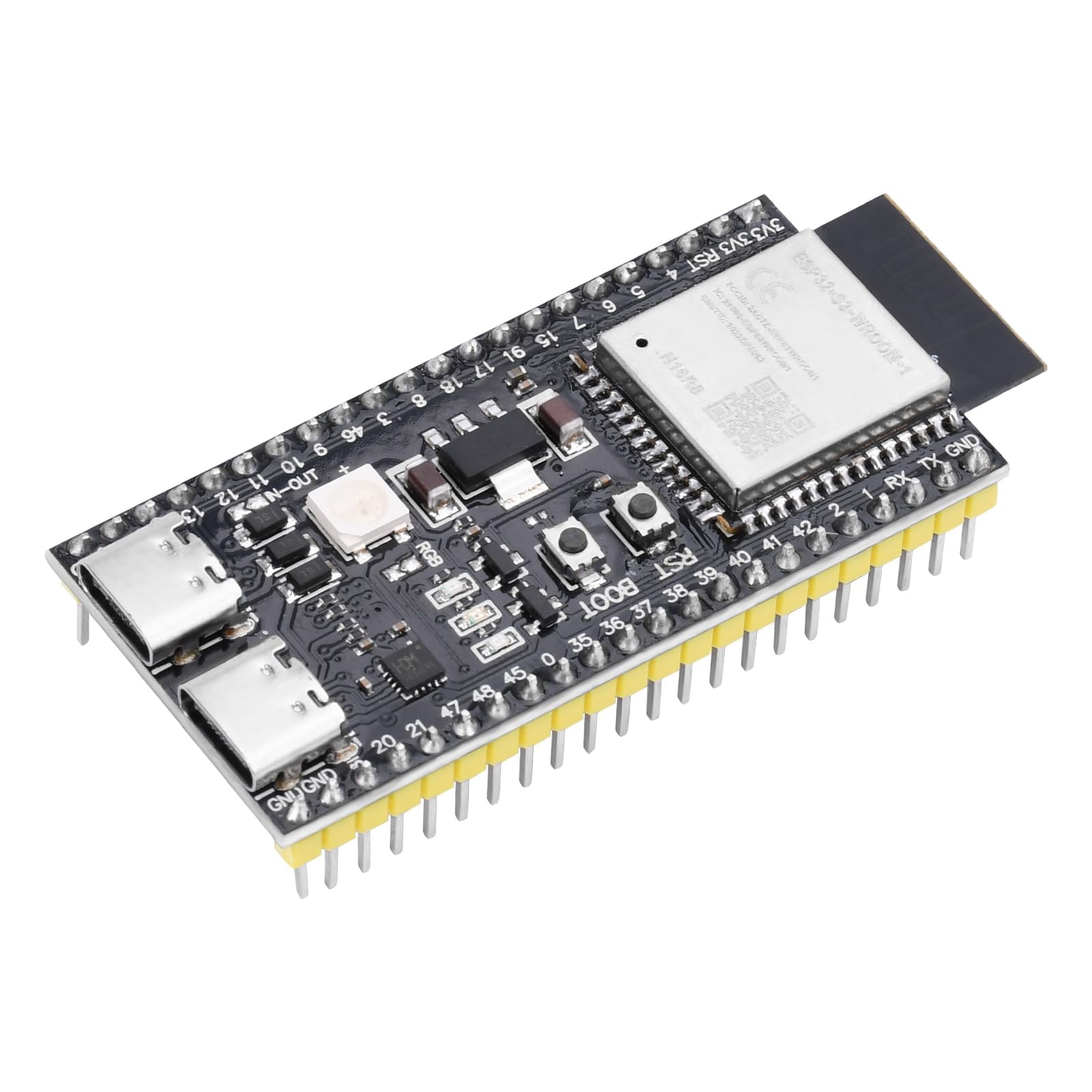


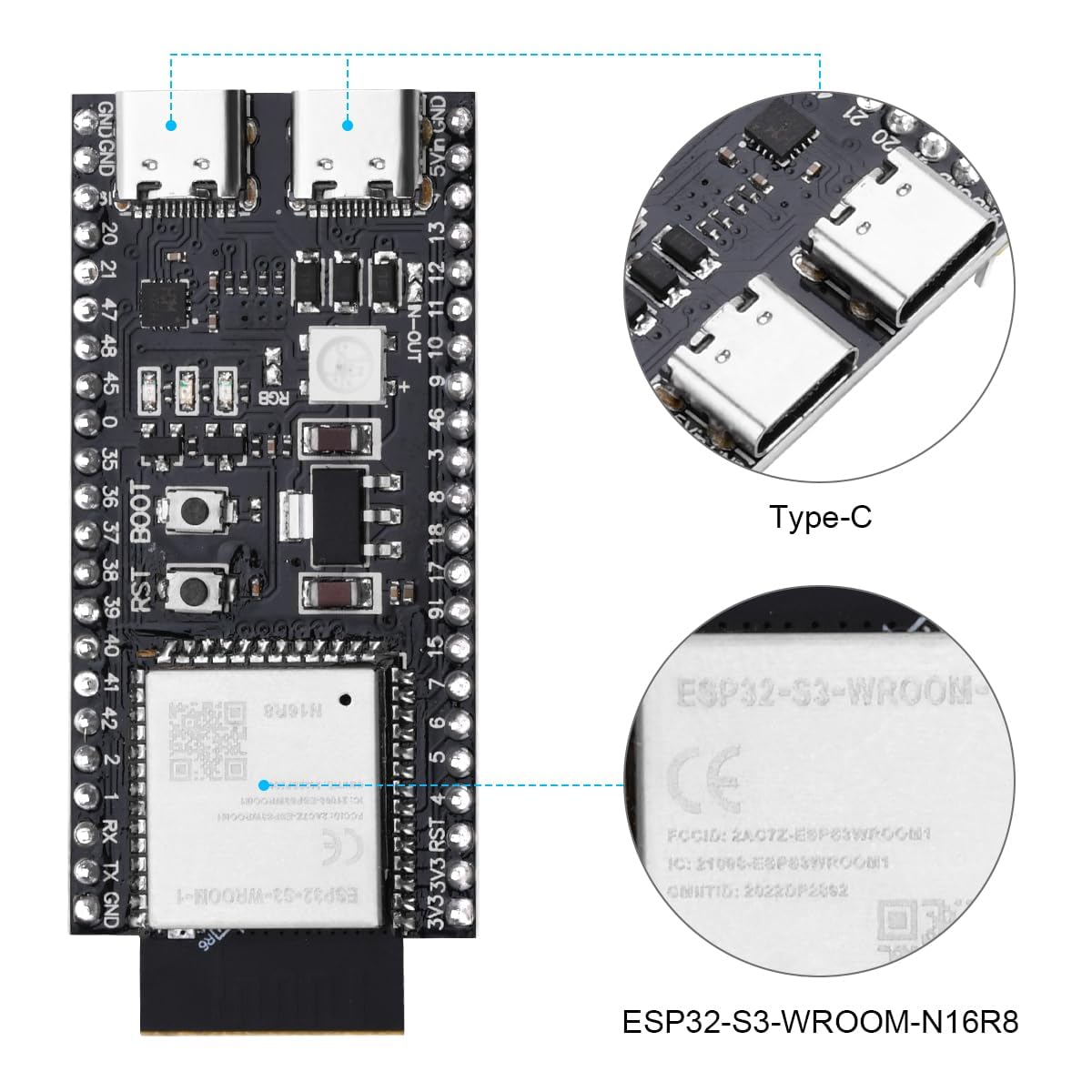
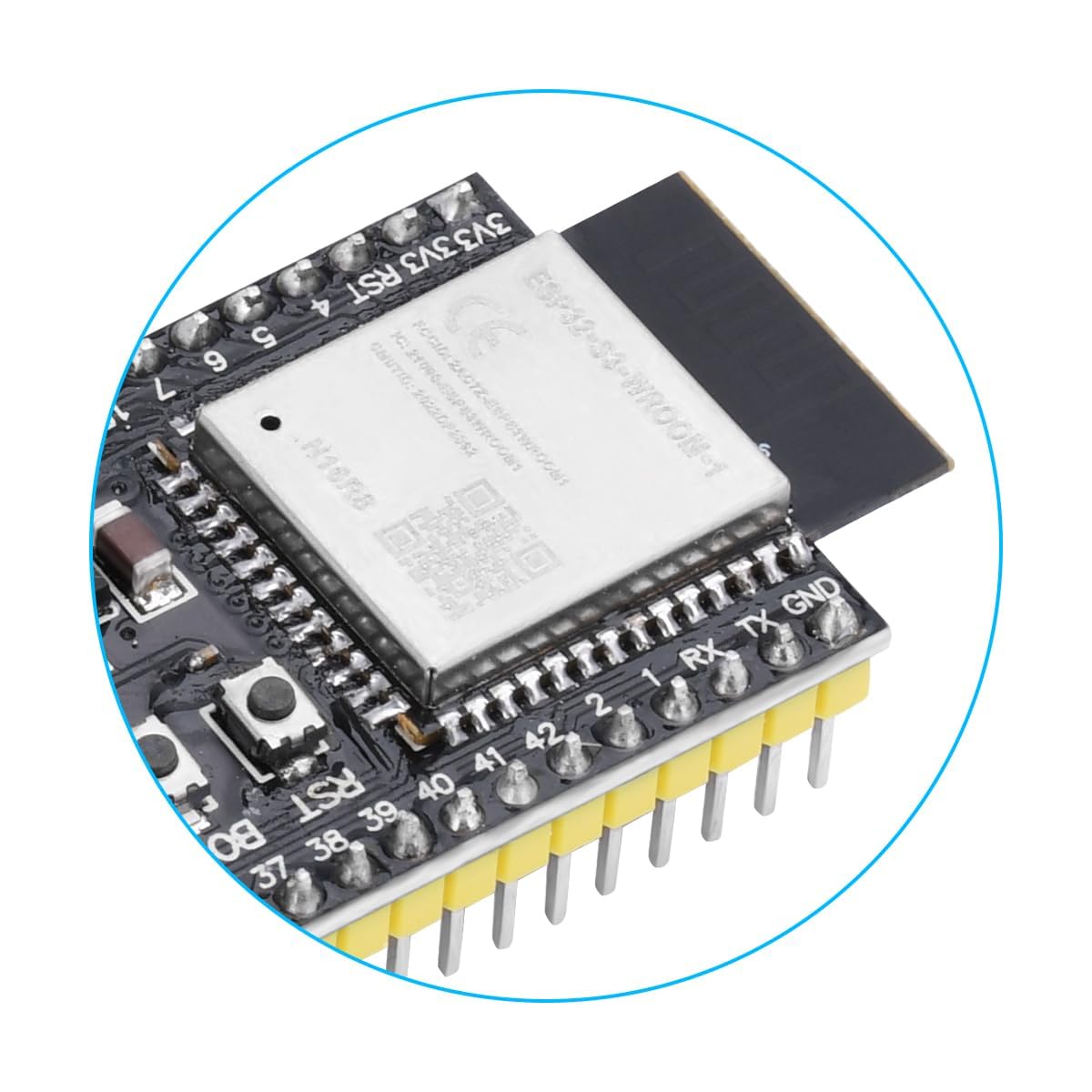
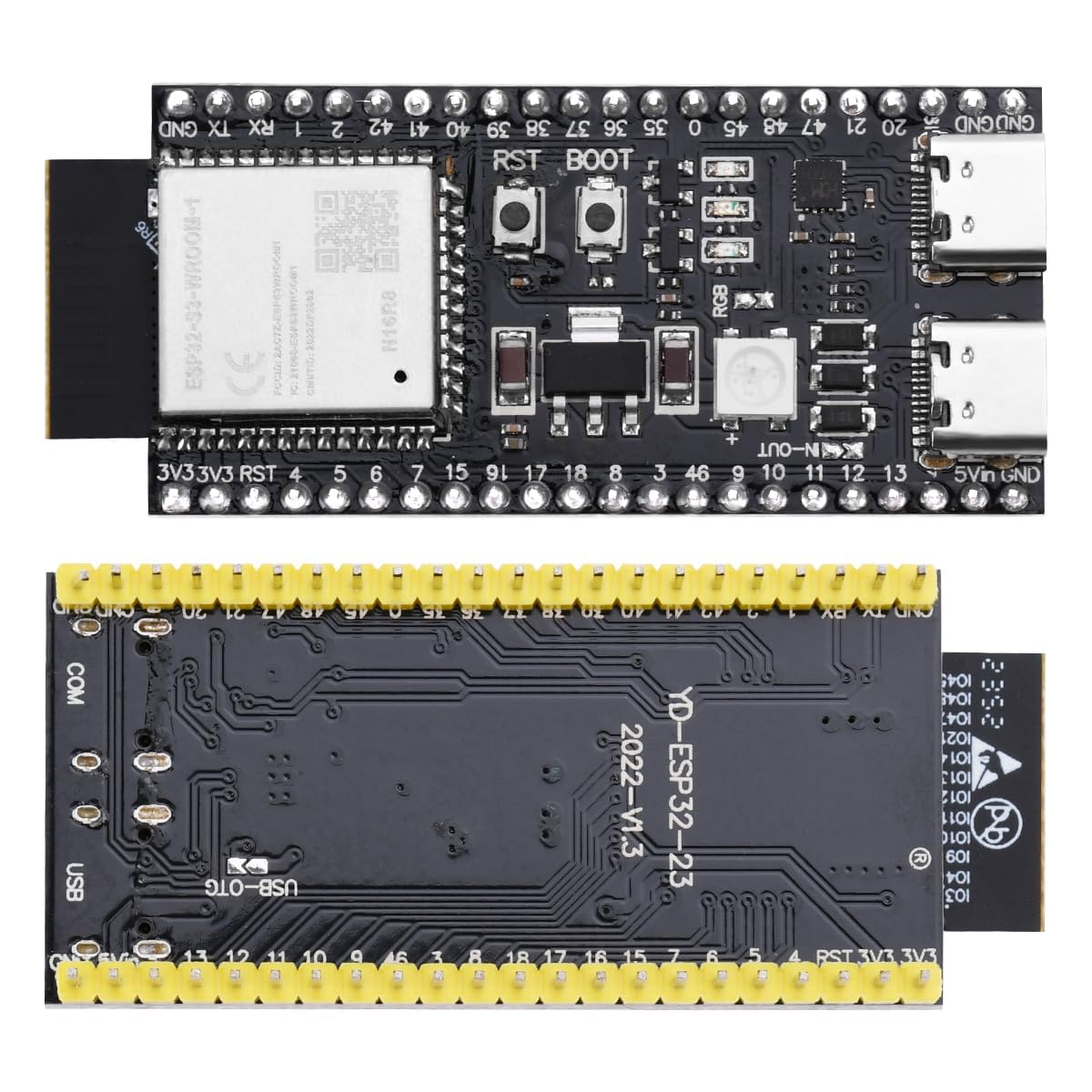
🚀 Elevate your IoT game with blazing speed and ultra-efficient connectivity!
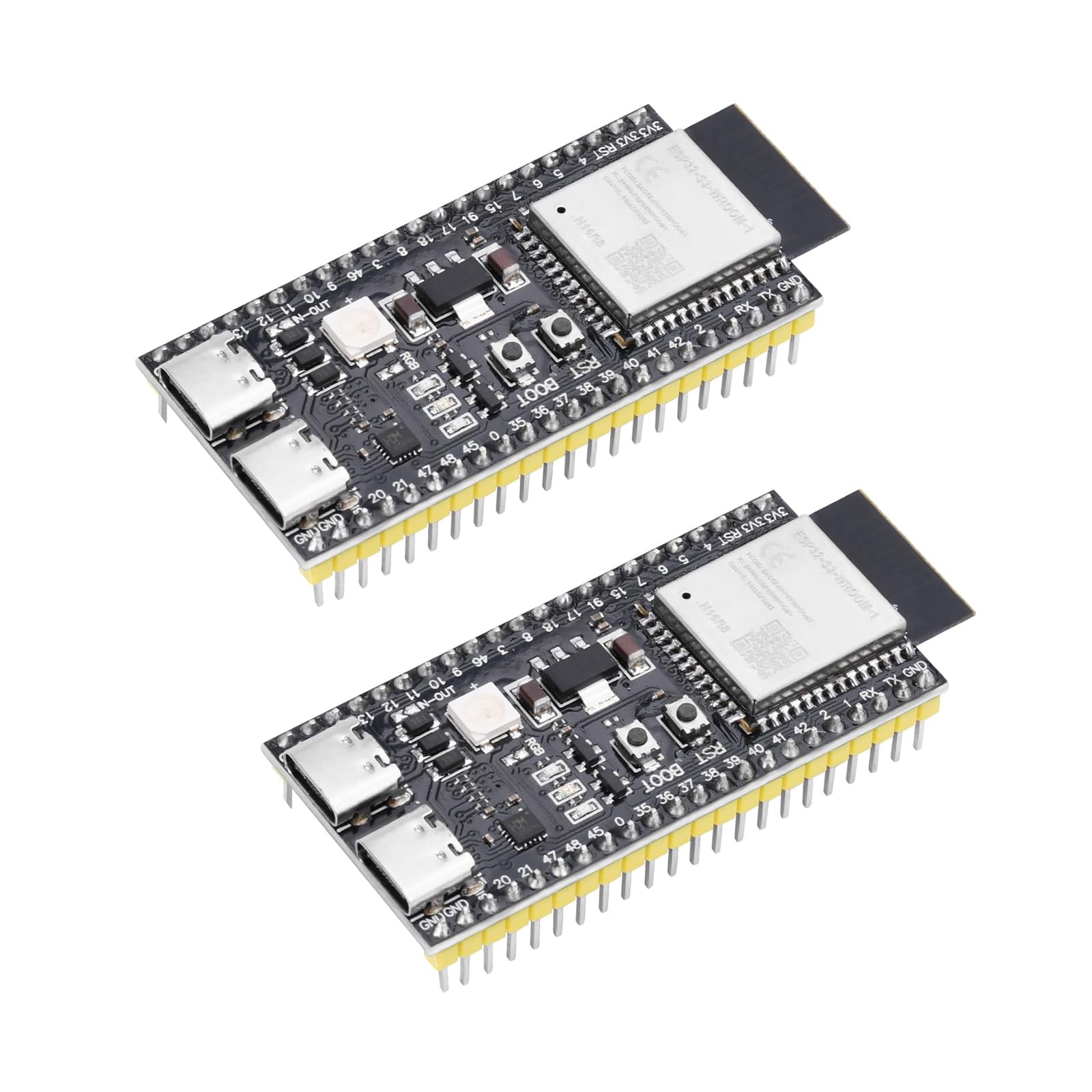
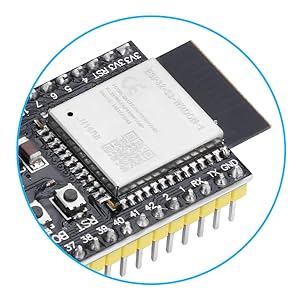
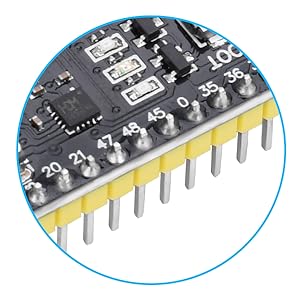
The Diymore 2PCS ESP32 S3 DevKitC 1 N16R8 is a cutting-edge development board featuring a dual-core 240 MHz Xtensa LX7 processor, integrated 2.4 GHz WiFi (802.11 b/g/n) and Bluetooth 5.0 LE with Mesh support. It offers extensive IO options with 45 GPIOs and multiple peripheral interfaces, plus an ultra-low-power coprocessor for energy-efficient applications. Designed for rapid prototyping, it comes with soldered pins and supports various flash memory types, making it ideal for advanced IoT and embedded system projects.
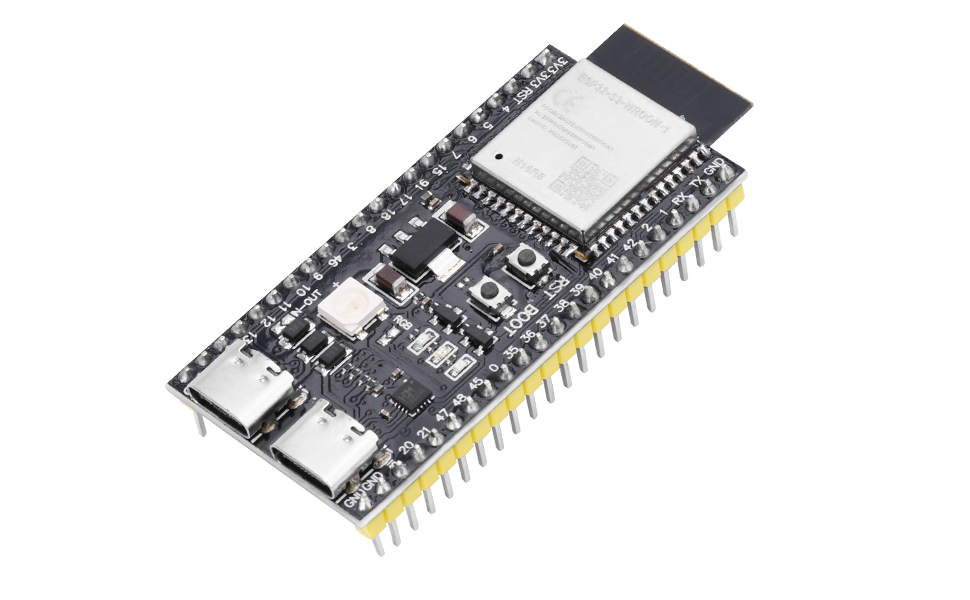
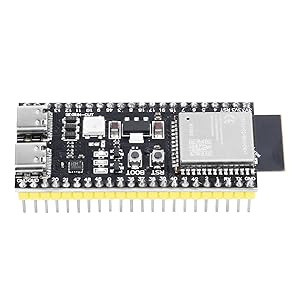
| Brand | diymore |
| Package Dimensions | 14 x 10 x 2.8 cm; 30 g |
| Manufacturer reference | GXFB0473-012 |
| Manufacturer | diymore |
| Series | DevKitC 1 N16R8 |
| Colour | 2PCS |
| Processor Brand | Espressif |
| Processor Type | Celeron N4000 |
| Processor Speed | 0.24 GHz |
| Processor Count | 2 |
| Memory Technology | DDR |
| Wireless Type | 802.11bgn |
| Operating System | Linux |
| Are Batteries Included | No |
| Item Weight | 30 g |
| Guaranteed software updates until | unknown |
S**N
The RGB LED is not connected
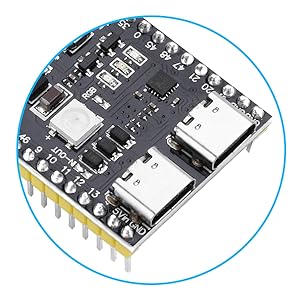
I spent a long time trying to get the RGB LED to light up. There were various theories on the internet that said thatbit was connected to pin 38 and not 48 as per the spec. In fact the LED was not connected to any pin. There are two contact pads next to the LED one is connected to pin 48 the other to the LED however there is no link between the pads so the LED is not actually connected to any pin. Fortunately it can be fixed by soldering across the two pads and that then connects the LED to pin 48 and now I can light it up in any colour I choose. As far as I can tell the rest of the board works as expected but I have only run a few programs that I know work on other esp32 boards. The picture shows the connection point to the right of the RGB text.
Trustpilot
1 month ago
3 weeks ago